Introduction
In today’s competitive retail environment, selecting the right technology is crucial for efficient operations and customer satisfaction. A point-of-sale (POS) system is no longer just a cash register—it is a comprehensive tool that manages sales, inventory, employee activity, and reporting. Among the available options, desktop POS machines stand out for their reliability, robust performance, and suitability for high-volume retail stores. Choosing the right system can significantly impact your store’s efficiency, reduce errors, and improve the customer experience.
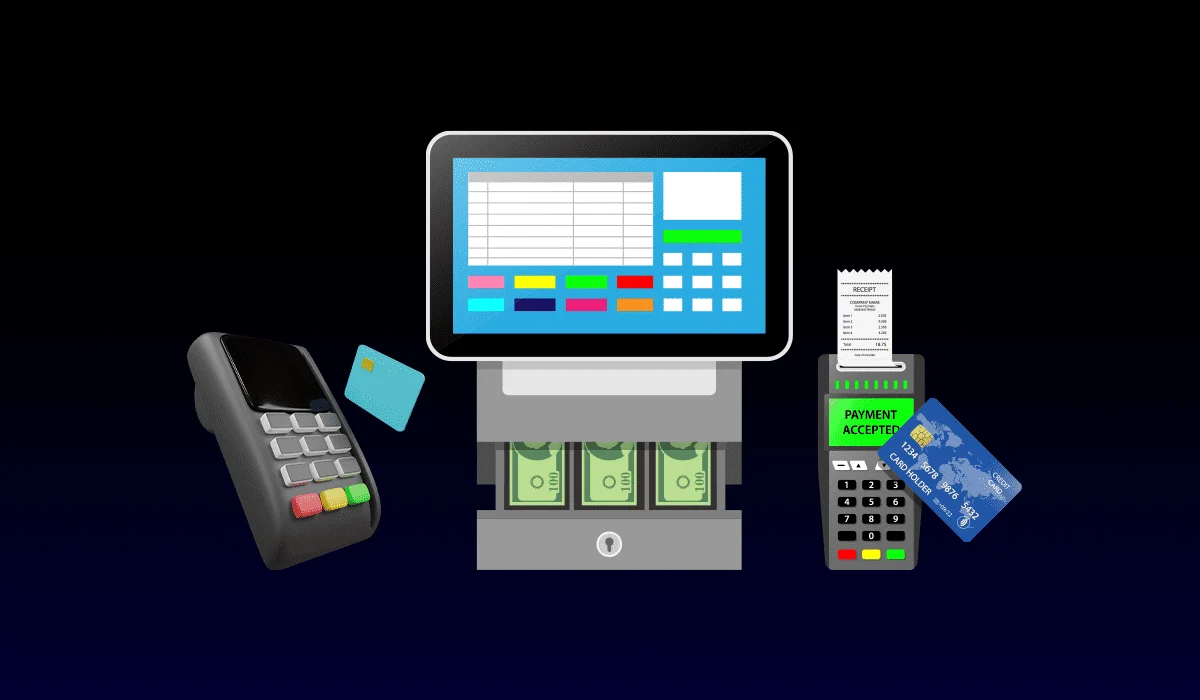
A desktop POS system integrates hardware such as a computer terminal, cash drawer, barcode scanner, and receipt printer with specialized software that manages sales and inventory in real time. Many retailers find that a Desktop POS Machine provides the ideal balance of speed, accuracy, and functionality for their business needs. It is designed to handle multiple transactions simultaneously, support various payment methods, and offer advanced reporting capabilities, making it a smart investment for stores of all sizes.
Key Considerations When Choosing a Desktop POS Machine
Selecting the right desktop POS machine requires careful evaluation of both hardware and software components. Here are the key factors to consider:
Performance and Processing Power
A desktop POS system must be capable of handling the demands of your store. For high-traffic environments, it is important to choose a machine with a fast processor and sufficient memory to manage multiple transactions without delays. This ensures smooth operation during peak hours and prevents frustrating slowdowns at the checkout counter.
Hardware Compatibility
The effectiveness of a POS system depends on the compatibility of its hardware. Ensure the system can connect with essential peripherals such as barcode scanners, receipt printers, cash drawers, and customer-facing displays. A system that supports multiple devices allows your store to create an integrated checkout environment that meets all operational requirements.
User-Friendly Interface
A POS system should be easy to use for both employees and managers. Look for a system with an intuitive interface, clear display, and simple navigation. This reduces training time, minimizes errors, and allows employees to complete transactions quickly and efficiently.
Inventory Management Features
Modern retail operations require accurate and real-time inventory tracking. The right desktop POS machine should integrate inventory management tools that automatically update stock levels after each sale. Additional features such as low-stock alerts, reorder notifications, and product categorization help streamline inventory control and prevent stockouts.
Payment Processing Options
A reliable desktop POS system must support multiple payment methods, including credit and debit cards, digital wallets, and contactless payments. The system should comply with security standards to protect sensitive customer data and prevent fraudulent transactions. This flexibility ensures that customers can pay using their preferred method, improving convenience and satisfaction.
Reporting and Analytics
Data-driven decisions are essential for retail success. Choose a desktop POS machine that provides detailed sales reports, performance analytics, and customizable dashboards. These insights help you understand customer behavior, track popular products, and plan marketing strategies effectively.
Scalability
As your store grows, your POS system should grow with it. Look for a desktop POS machine that can support additional terminals, integrate with e-commerce platforms, and expand functionality through software updates. Scalability ensures that your investment remains valuable even as your business evolves.
Benefits of Choosing the Right Desktop POS Machine
Selecting the right desktop POS system offers numerous advantages for retail stores:
Faster Checkout Process
A well-designed POS system streamlines the checkout process, reducing customer wait times and improving the overall shopping experience. Features such as barcode scanning, automatic pricing, and quick payment processing allow cashiers to complete transactions efficiently.
Accurate Transactions
Manual cash registers are prone to human error. A desktop POS machine automatically calculates totals, applies taxes, and manages discounts, reducing mistakes and increasing transaction accuracy. This accuracy builds customer trust and minimizes billing disputes.
Enhanced Inventory Control
Real-time inventory updates prevent stock discrepancies and help managers track product availability accurately. A POS system can generate alerts when inventory is low, making it easier to manage restocking and avoid running out of popular items.
Improved Employee Management
Many desktop POS systems include employee management tools, allowing store owners to monitor performance, track sales, and assign role-based access. This ensures accountability and helps optimize staffing efficiency.
Data-Driven Decision Making
By providing detailed reports and analytics, a POS system enables store owners to make informed decisions about pricing, promotions, and inventory planning. Insights from sales trends and customer behavior can guide strategies that drive growth and profitability.
Conclusion
Choosing the right desktop POS machine is a critical decision for any retail store. It not only streamlines transactions and improves customer satisfaction but also provides tools for inventory management, employee oversight, and data-driven decision-making. Evaluating factors such as performance, hardware compatibility, ease of use, payment options, and scalability ensures that you select a system that meets your current needs and supports future growth.
Investing in the right desktop POS machine allows your store to operate efficiently, reduce errors, and enhance the overall shopping experience. By selecting a system tailored to your business requirements, you can improve checkout efficiency, manage inventory effectively, and gain valuable insights to drive long-term success.

George is the voice behind Wisdomised, a news blog dedicated to delivering fresh, engaging stories that keep readers both informed and entertained. With a sharp eye for current events and trending topics, George crafts posts that make complex news accessible and enjoyable. His unique perspective and storytelling skills bring a refreshing twist to every update, inviting readers to explore the world through Wisdomised.